Trengo vs Respond.io: Which Customer Communication Platform Is Right for Your Business?
Choosing between Trengo and Respond.io can shape how your business handles customer conversations, from first contact and lead qualification to sales, support, and retention. Both platforms bring messages from multiple channels into a shared workspace, but they’re designed with different priorities.
Trengo focuses on customer service and team collaboration. Respond.io is built to support the broader customer journey, connecting marketing, sales, and support across channels. That distinction matters if your team needs more than a shared inbox.
Here’s a practical comparison of Trengo vs Respond.io, based on the capabilities and pricing described on Respond.io's Trengo alternatives page. Because plans and product features can change, check each provider’s current pricing and plan details before making a decision.
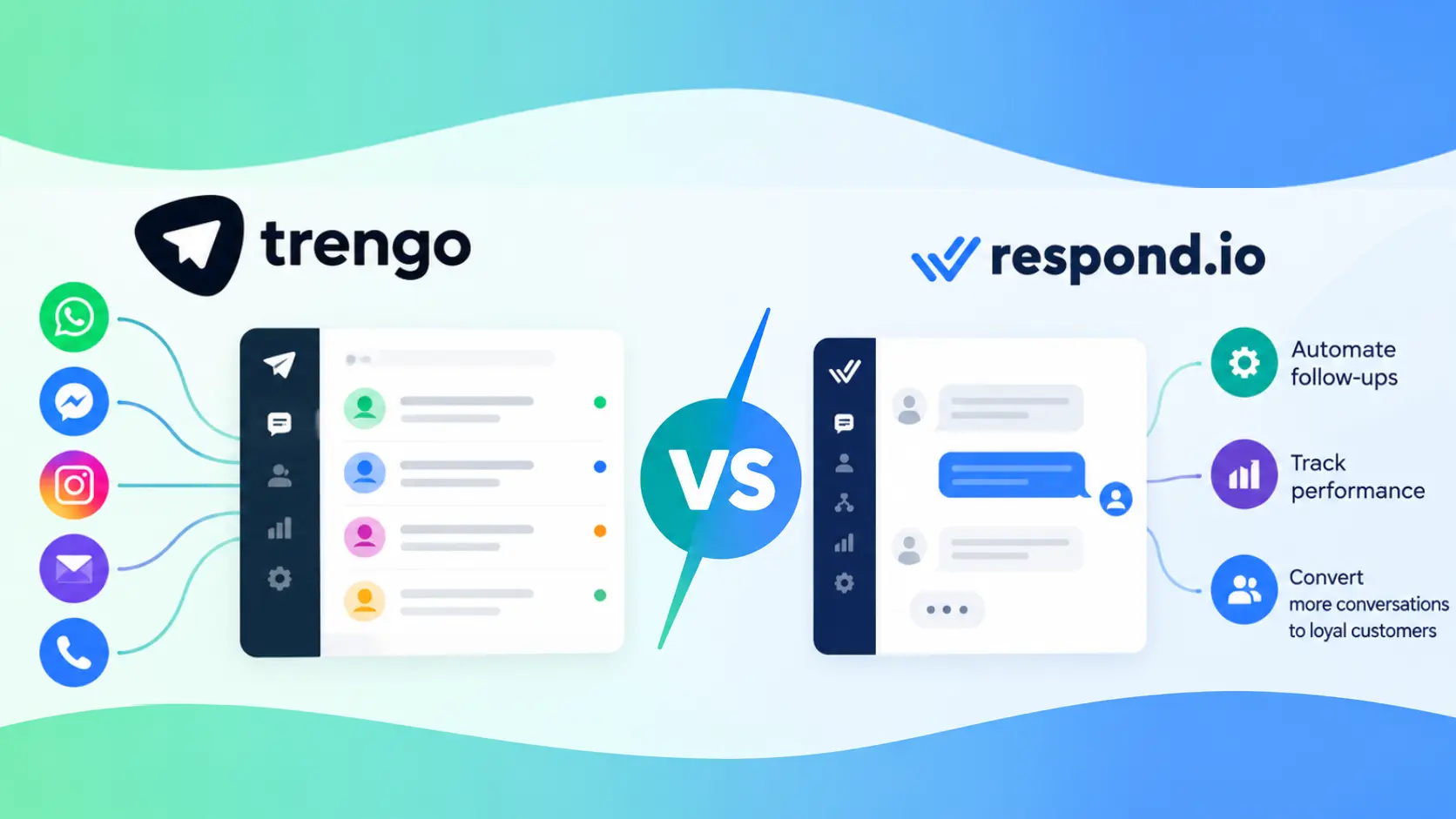
Trengo vs Respond.io at a glance
Trengo may suit teams looking for a customer-support workspace with shared inboxes, workflows, and collaboration features. Respond.io may be a better fit for businesses that want to manage customer conversations across the full funnel, use automation and AI, and measure activity across multiple channels. Key differences highlighted by Respond.io include:
| Comparison area | Trengo | Respond.io |
|---|---|---|
| Pricing model | Conversation limits; may charge for usage beyond the plan | Monthly Active Contacts (MAC) billing |
| Extra usage | The comparison page lists $21 per 100 additional conversations | Described as having no overage costs |
| AI pricing | The page lists $0.35 per conversation | AI credits included in the plan |
| Mobile access | Native mobile app deprecated; browser-based access | Native iOS and Android apps |
| Support | Live support availability is limited by plan | Advertises 24/7 human and AI support on all plans, including Starter |
| Channels and calls | Supports fewer channels; Trengo Voice features vary by plan | Supports more channels and includes calling options |
| Customer lifecycle | Configurable custom fields and workflows | Purpose-built lifecycle tools, including pre-set stages and automatic assignment |
| Reporting | Two report types listed on the comparison page | More than 12 report types listed on the comparison page |
The best option depends on your workflows, channel mix, expected usage, and the extent to which customer conversations drive revenue.
1. Platform focus: customer support or the full customer journey?
Trengo is primarily focused on customer service. Its shared inbox, team workflows, and automation help support teams handle incoming requests and coordinate responses.
Respond.io takes a broader approach. It is designed to support marketing, sales, and customer service on a single platform. Teams can use it to engage prospects, qualify leads, manage customer conversations, and provide ongoing support across messaging channels.
That difference becomes important when a customer’s journey crosses teams. For example, a prospect might respond to an advertisement, ask a question on WhatsApp, receive sales follow-up, and later contact support. A full-funnel platform can help keep those interactions connected instead of splitting them across separate tools.
If your main need is organising a support team’s conversations, Trengo’s focus may be appropriate. If your business wants to manage more of the journey, from lead capture through retention, respond.io's broader design may be more relevant.
2. Pricing and usage: understand what counts as billable
The billing models differ, so comparing monthly subscription prices alone may not reveal the full cost.
According to respond.io’s comparison page, Trengo caps conversations and charges for usage beyond the included limit. The page lists an overage rate of $21 per 100 additional conversations and an AI charge of $0.35 per conversation. Respond.io uses Monthly Active Contacts (MAC) as its billing basis and describes its plans as having no overage costs.
These models reward different usage patterns. Conversation-based limits may be straightforward if your volume is stable and predictable. But costs can rise when a campaign, seasonal spike, or fast-growing support queue pushes usage beyond the plan allowance. Contact-based billing may be easier to forecast for businesses that regularly message many of the same customers, though the number of active contacts still matters.
AI charges deserve special attention. Ask whether the plan price includes AI usage, how credits or conversations are counted, and whether additional usage triggers a separate fee. Before committing, estimate a typical month and a high-volume month using your own contact and conversation data.
3. Channels: meet customers where they already message
Both platforms bring multiple communication channels into a shared workspace. The number and type of supported channels can affect how consistently your team serves customers.
Respond.io lists support for 12 or more channels, including TikTok, while Trengo’s comparison page lists approximately nine. Respond.io’s broader channel coverage may benefit businesses that engage customers across social messaging, business messaging, and other digital touchpoints.
More channels are not automatically better. The important question is which channels your customers actually use, and whether the platform supports the exact functions your team needs on each one. Check features such as message types, conversation assignment, automation triggers, and channel-level reporting.
If TikTok is part of your lead-generation strategy, or you expect to add new messaging channels, confirm how each platform supports those workflows before choosing. A platform that consolidates the channels you use can reduce tool switching and help agents see more context in one place.
4. Mobile apps: support teams beyond the desktop
Mobile access matters when agents, managers, or sales representatives need to respond away from their desks.
Respond.io offers native iOS and Android apps. The comparison page says Trengo has deprecated its native mobile app, leaving browser-based access. That distinction may affect teams that rely on push notifications, mobile workflows, or quick responses while travelling or working outside the office.
A browser experience can still work for occasional access, but it may not provide the same convenience as a dedicated app. Consider testing the experience on the devices your team uses: check notifications, ease of replying, conversation assignment, and whether essential functions are available.
For a fully desk-based team, mobile availability might be a minor factor. For field sales, distributed support, or managers who need visibility on the move, it could carry more weight.
5. Customer lifecycle management and automation
Both platforms offer ways to organise customer information and automate work, but the comparison page describes different approaches.
Trengo provides configurable custom fields for use with workflows and AI automation. Respond.io offers a more purpose-built customer lifecycle system, with pre-set stages, automatic assignment, an activity log, and dashboard analytics.
Pre-set lifecycle stages can help teams standardise how they track leads and customers. Automatic assignment can route contacts to the right person or team, while activity logs preserve a record of interactions. Dashboard analytics can help managers identify movement through the pipeline and potential bottlenecks.
Custom fields can be flexible, especially for teams with an established process. But flexibility may require more configuration and governance: someone must decide which fields to create, keep them consistent, and build the reporting the business needs. A structured lifecycle system may reduce setup work if its stages align with your process.
Before choosing, map your actual workflow—from first inquiry to qualified opportunity, purchase, and repeat support. Then check how each tool represents those steps and what can be automated without sacrificing necessary human oversight.
6. Calls and voice capabilities
Messaging is central to both platforms, but some customer conversations are easier to resolve over the phone.
Respond.io lists WhatsApp Calling API, Messenger Calls, and VoIP capabilities. Trengo offers Trengo Voice, with access varying by plan: the comparison page describes it as an add-on for entry and mid-level plans and fully available on Enterprise.
The commercial details matter as much as the feature list. Confirm whether voice is included, priced separately, or limited by the plan, and check how call records are linked to customer profiles and conversation history. If your team uses calls for sales or complex support, test the handoff between messaging and voice before rolling out a platform.
A voice feature is most useful when it fits the way your team already works. If calls are rare, it may not influence the decision. If they are part of your core service or sales process, plan availability and integration deserve closer scrutiny.
7. AI features and the cost of automation
AI can help teams handle routine questions, assist agents, or qualify leads, but its value depends on how well it fits the workflow and how usage is billed.
Respond.io's comparison page says AI credits are included in its plans. It lists Trengo's AI charge as $0.35 per conversation. That pricing difference may matter for organisations that expect high AI usage or want to experiment with automation across more interactions.
Look beyond the headline feature. Ask what the AI can do, what information it can use, how teams review its output, and when a human takes over. For lead qualification, evaluate whether the system can ask relevant questions and route qualified contacts appropriately. For support, check how it handles uncertain answers and escalates complex issues.
The goal is not to automate every conversation. It is to reduce repetitive work while preserving accurate, helpful service, and to understand the cost of doing so at your expected volume.
8. Reporting and performance visibility
Reporting helps leaders understand both the workload and the outcomes of customer conversations.
The comparison page lists two report types for Trengo and more than 12 for respond.io. A wider selection may give teams more ways to examine performance, but the practical value depends on whether those reports answer the questions your organisation cares about.
Consider what you need to track: response times, resolution, agent workload, channel performance, campaign results, lead progress, or customer lifecycle stages. Also check whether reports are available on your chosen plan and whether data can be exported or shared with the people who need it.
A large number of reports is only useful when teams can interpret them and act on the findings. Start by defining the decisions you want reporting to support, then compare how easily each platform provides the relevant data.
9. Lead generation and campaign measurement
For marketing teams, conversations may start before a customer ever contacts support. Respond.io highlights lead capture from Meta and TikTok, AI-assisted qualification, and the ability to feed data back into Meta Conversions API.
That workflow can connect advertising activity with conversations and subsequent lead actions. It may help marketing teams understand which campaigns generate contacts who are more likely to progress, rather than simply measuring clicks or initial messages.
This capability is particularly relevant for businesses that run paid social campaigns and manage leads through messaging. If that describes your team, confirm the required setup, how lead data is handled, and whether the workflow supports your campaign and privacy requirements.
Trengo’s support-first positioning may still be a good fit if your priority is managing customer service rather than building an integrated lead-generation process. The decision hinges on whether messaging is mainly a support channel for your business or also a core path to sales.
10. Support availability and reliability
When a platform becomes central to customer communication, support availability and reliability matter. Respond.io advertises 24/7 human and AI support on all plans, including Starter. The comparison page states that Trengo limits live support to the Pro and Enterprise tiers.
That difference may affect smaller teams that need help configuring integrations or resolving an issue without moving to a higher-priced plan. Check the exact support channels, response expectations, and plan terms before purchasing; availability claims do not necessarily guarantee a particular resolution time.
Respond.io also states 99.999% uptime on its page. Treat uptime claims as one input in your assessment and review the provider’s service terms and status history if availability is mission-critical.
Which platform should you choose?
Choose Trengo if your main priority is a customer-support workspace and its channel coverage, plan structure, and feature set match your team’s needs. Its customizable fields and workflows may suit organisations with clear support processes and predictable usage.
Choose respond.io if you want one platform to connect marketing, sales, and support; need native mobile apps; plan to use channels such as TikTok; or value lifecycle management, broader reporting, and AI credits included in the plan.
Before deciding, compare the current plan details against your real monthly usage. Include expected conversations, active contacts, AI activity, voice needs, required channels, reporting, and support access. Then test the workflows your team uses most often. The right platform is the one that helps your people serve customers effectively while keeping costs and operations predictable.
Related posts
