Writer
WRITER is the enterprise AI agent platform trusted by Fortune 500 companies, built to help teams execute and scale on-brand, compliant work.
LOADING
Your AI teammate follows leads, sends quotes, checks charges, and chases invoices across your business apps, with setup support and approval controls at work.
 Kolo AI
Justification: Kolo describes itself as an AI worker that connects with a business’s existing apps to handle tasks such as lead follow-up, quotes, invoice chasing, charge checks, and routine administration. That makes AI Business Automation the clearest primary category. You may find this tool under the secondary categories AI Agents, AI for Small Business, and Workflow Automation. Kolo says a dedicated specialist helps set up the system, and that important actions can wait for the customer’s approval.
Many businesses lose time not on their core work, but on the small administrative tasks surrounding it: following up with a lead, preparing a quote, reminding someone about an invoice, or passing a service request to the right person. Kolo is designed to take on some of that work as an AI worker connected to a company’s existing apps.
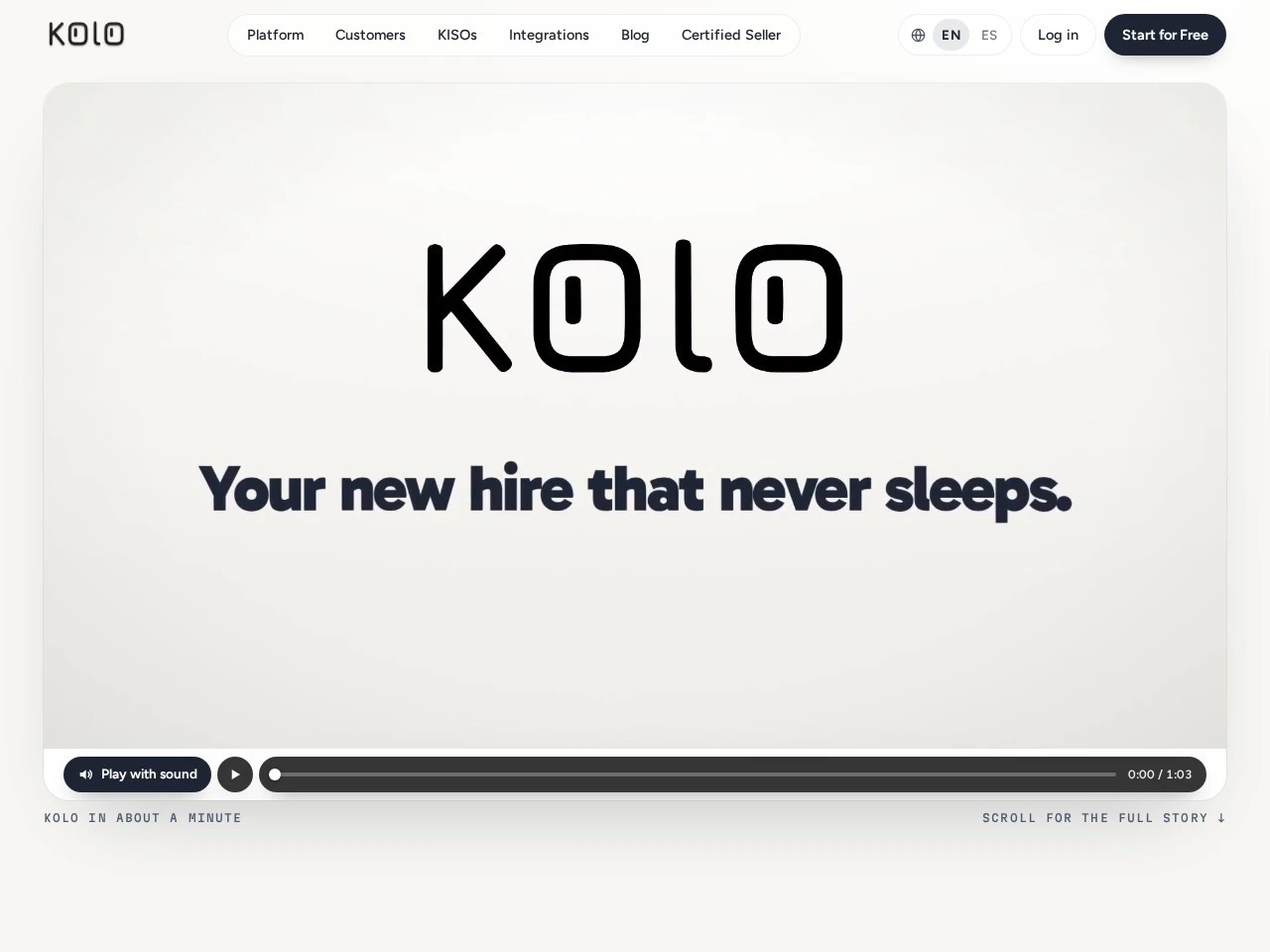
Kolo’s website describes the product as a “new hire that never sleeps.” It says Kolo can follow up with leads, send quotes, check charges, chase invoices, and handle administrative tasks across business software. The company presents the service as more than a chatbot: instead of drafting text only in response to prompts, Kolo connects to apps and can perform tasks, with important actions subject to customer approval.
Kolo also emphasises hands-on setup. Each customer works with a dedicated KISO—a real person who helps connect apps and get the initial “skills” running. The company says setup takes hours, and that it connects with more than 1,000 apps, with a KISO available to connect an app if it is not already supported.
This review looks at what Kolo says it does, how a business might use it, its pricing approach, potential benefits and drawbacks, and alternatives to compare. Because Kolo’s pricing is based on results and labour saved rather than a published flat fee, businesses should request a quote and clarify the terms before making a decision.
Kolo is a business-oriented AI assistant designed to perform tasks through connected apps. The product is aimed at owners and teams who want to delegate recurring operations work, rather than ask an AI tool for ideas or text.
The distinction is important. A general-purpose chatbot might draft a follow-up email, but a human typically still needs to copy it into an email client, find the right customer, send it, and record the outcome. Kolo’s intended role is to connect to the relevant tools and take action within an agreed workflow. Its website says customers can text Kolo as they would an employee, while setting approval requirements for important actions and reviewing an audit trail of activity.
Kolo presents itself as suitable for businesses that work across several apps and have repeatable tasks that can be delegated. Examples on its website include photo-based quotes, rebooking no-shows, chasing deposits, dispatching maintenance, sending rent reminders, processing store alerts, and replying to reviews. These examples point to a product aimed at practical operations, not just content generation.
The product’s people-assisted setup is also part of its pitch. A KISO helps configure integrations and initial skills, which may be useful for businesses without an in-house automation specialist. At the same time, it means Kolo is not necessarily a self-serve tool in which every customer installs an app and builds workflows from scratch.
Businesses researching Kolo AI should therefore assess both the AI capabilities and the service model: what work can be automated, which apps can be connected, how setup is delivered, which actions require approval, and how results-based pricing is calculated.
Kolo says it can follow up with leads, helping a business respond and keep conversations moving. For a service provider, this could mean contacting someone who requested an estimate, answering routine questions, or reminding a prospective customer that a quote is ready. The goal is to reduce the chance that a lead goes unanswered while staff are busy with other work.
This kind of automation works best when the business has clear rules: which enquiries qualify for a follow-up, how long to wait, what tone to use, and when to hand the conversation to a person. A company should define boundaries before enabling any AI worker to send messages on its behalf. That is especially important when responses involve pricing, availability, guarantees, or sensitive customer information.
The site also describes communication workflows around tenants and maintenance. One example shows a tenant reporting an issue, a plumber being booked, and the tenant receiving a notification. This illustrates how Kolo is positioned to coordinate several steps across a business process, rather than generate a single answer in isolation.
Kolo’s website highlights sending quotes, following up on deposits, and chasing invoices. These tasks are common sources of administrative delay for small businesses, contractors, and service teams. When a customer is waiting for a quote or a payment reminder, timely communication can help keep work and cash flow from stalling.
A business should determine exactly what Kolo may do autonomously. For example, it might prepare a draft quote but require a person to approve the amount, or send an invoice reminder only after a specified number of days have passed. The product says customers choose which actions need approval, and that important actions can wait for approval. That control is relevant for any workflow involving money, contractual terms, or customer commitments.
The phrase “Kolo AI for Payment Processing” can describe this payment-adjacent operational use case, but it should not be taken to mean that Kolo is itself a payment processor. The information on its homepage describes invoice chasing and deposit follow-up; it does not establish that Kolo directly processes card payments or replaces a dedicated payment platform.
Kolo’s examples cover different types of operational work. For property-related tasks, its site mentions maintenance dispatch, rent reminders, and renewals. For retail, it describes store alerts and review replies. For service businesses, it highlights photo quotes, no-show rebooking, and deposits.
This breadth suggests that Kolo is designed to adapt its AI workflows to a business’s processes, rather than focus on a single industry. However, the fit will depend on the details of the company’s software stack and operating rules. A workflow that is useful for one trade may not translate directly to another.
The Kolo AI for business offering is best understood as an operational assistant connected to existing tools. It may help reduce repeated manual actions, but a business still needs to decide which processes are safe and appropriate to delegate.
Kolo says it connects to more than 1,000 apps in one click and that a KISO can help connect an app if it is not already included. Integrations are central to the service: an AI worker cannot reliably perform business tasks without access to the systems that manage leads, calendars, customer records, invoices, and messages.
Kolo refers to initial workflows as “skills.” These appear to be configured capabilities for specific business tasks. The term Kolo AI Skills can therefore refer to the practical workflows Kolo is set up to perform, rather than to general knowledge or text-generation prompts alone.
Before adopting a skill, a business should ask what data it reads, what actions it can take, which applications it accesses, and how exceptions are handled. It should also test workflows with realistic but low-risk scenarios before allowing them to affect customers or financial records.
Kolo says a whole team can use the service, with each person getting their own Kolo tailored to how they work. This suggests the product is intended to support more than one employee and to adapt assistance to individual roles.
The Kolo for Teams use case may appeal to companies where several people share responsibility for customer follow-up, scheduling, or service operations. Teams should confirm how permissions, shared records, action histories, and approvals work in practice. It is important to know whether managers can review actions across the business and whether staff can access only the information appropriate to their roles.
The product information available here does not specify particular collaboration features, user limits, or role-based access details, so these are useful questions to raise during a demo.
Kolo says users can choose what requires approval and that every action is logged, so customers can see what happened. An approval step can help a business start cautiously: the AI worker can prepare or recommend an action, while a person verifies it before it goes live.
An audit trail is also important for investigating errors and understanding how a workflow operates. Companies should ask how long records are retained, who can view them, whether actions can be reversed, and how Kolo handles mistakes or incomplete information. The homepage indicates that the customer controls approval requirements, but detailed operational policies should be confirmed directly with the company.
Kolo’s stated onboarding model is designed to involve a person from the provider. The company says a dedicated KISO sets up the service with the customer, connects apps, and gets initial skills running; the site says this setup takes hours. A practical evaluation could follow these steps:
A gradual rollout makes it easier to identify where automation is genuinely helpful. It also allows the team to learn which tasks benefit from AI and which still need direct human handling.
Kolo does not list a fixed monthly or annual price on the homepage information reviewed. Instead, it says pricing is based on results and labour saved, rather than a flat fee for software. The company says a KISO will explain pricing before anything goes live and offers a “Start for Free” option for a demo or onboarding conversation.
That model may appeal to businesses that prefer to relate costs to work performed or to labour savings. It also makes it difficult to compare Kolo with subscription software using a public pricing table. The actual cost, billing structure, minimum commitment, and definition of “results” should be confirmed directly.
Before agreeing, ask for written clarity on:
The right comparison is not simply Kolo’s fee versus another app’s subscription. A business should compare the full cost of the current manual process, including staff time, missed follow-ups, and administration, with the Kolo quote and any remaining human review. Since the price is individualised, the company’s demo is the route to a current figure.
A home-services company could explore Kolo for inbound lead follow-up, photo-based quote preparation, deposit reminders, and rebooking customers after missed appointments. These tasks often involve several apps and quick responses. The main benefit would be reducing delays while technicians are working in the field.
The company should keep approval requirements for quote amounts and unusual customer requests. It should also test whether photo-based information is interpreted accurately before depending on it for estimates.
Property managers may consider workflows for maintenance requests, contractor dispatch, rent reminders, and lease renewal communications. Kolo’s website explicitly gives examples in this area, including maintenance dispatch and rent reminders.
A property business should take extra care with escalation rules. Urgent repairs, disputes, health or safety issues, and sensitive tenant circumstances should be routed to a human rather than handled as routine messages.
Retail teams may look to Kolo for store alerts, reply reviews, or routine customer communications. The phrase Kolo AI for E-commerce captures this potential fit, especially for businesses that need to keep customer interactions moving across commerce and communication tools.
The product details available here do not specify a dedicated e-commerce platform feature set, so merchants should verify which integrations and tasks are supported. They should also ensure that product, inventory, shipping, and refund information is accurate before allowing automated replies.
A small business owner might use Kolo to keep track of follow-ups, coordinate appointments, or reduce repetitive admin. If a business has a small team and no dedicated operations manager, hands-on setup may be valuable because it can help translate a process into a working automation.
The best candidates are processes that are frequent, predictable, and easy to verify. Rare situations that require judgment may not be good starting points.
Kolo’s team positioning suggests it may help coordinate updates and actions among employees. Kolo for Slack is a relevant search term for businesses exploring how Kolo might fit into team communication, but the homepage information reviewed does not confirm a specific Slack integration. Businesses should verify that connection and what it can do before relying on it.
Similarly, Kolo AI for Communication is a useful category phrase for the communication tasks Kolo describes, such as follow-ups and notifications. Teams should clarify which channels are supported, whether messages are sent directly or staged for approval, and how conversations are logged.
Businesses may want an AI worker to coordinate scheduling or access documents needed for a task. Kolo AI calendar and Kolo AI for File Management are relevant use-case phrases, but the homepage information available for this review does not confirm specific calendar or file-management functions. Ask Kolo which calendar and storage apps are supported, what actions can be taken, and how permissions are managed.
The site mentions store alerts and review replies, which may be useful to businesses managing customer feedback and routine marketing operations. Kolo AI Marketing can describe this broader use case, but businesses should establish guidelines for brand voice, response tone, and escalation of negative or sensitive reviews.
An automated response should not invent facts, promise compensation, or disclose private information. Human review is particularly valuable for public replies that may affect customer trust.
Kolo’s combination of guided setup, business app integrations, and task delegation sets it apart from many standalone automation or chatbot products. These alternatives are worth comparing, though none should be assumed to work exactly like Kolo:
When comparing these options, look past broad claims about AI automation. Compare the exact apps each tool supports, whether it can perform actions or only suggest them, how approvals and logs work, who configures the system, and the total cost for the workflows you need.
Kolo is positioned as an AI worker for business operations: it integrates with existing apps and handles recurring tasks such as lead follow-up, quote generation, invoice reminders, maintenance coordination, and review replies. Its emphasis on a dedicated setup specialist, approval controls, and an action log may appeal to small businesses that want practical automation without having to build every workflow themselves.
The strongest potential fit is a business with frequent, repeatable administrative work and clear rules for what can be automated. It may be less compelling for someone who only wants a general-purpose chatbot, or for a company that needs detailed public pricing and technical specifications before evaluating a product.
The most important step is to request a demo and test one concrete workflow. Confirm the apps involved, the setup responsibilities, what Kolo can do without approval, how actions are logged, how security and data retention work, and precisely how results-based pricing is calculated. If those answers align with the business’s needs, Kolo may be worth considering under AI Business Automation, with secondary listings for AI Agents and AI for Small Business.
For the directory, describe Kolo accurately as an AI worker that connects business apps and helps carry out operational tasks; avoid presenting unconfirmed calendar, Slack, CRM, file management, or payment processing capabilities as verified product features. The concise listing URL and keywords can point to Kolo-AI and Kolo.ai for discovery.
The content provided on this site, AISoftRadar, specifically Kolo AI, is sourced from the internet. We do not guarantee the accuracy or completeness of any external links, nor do we exercise actual control over the destinations to which these links point. At the time of indexing (2026-11-11 9:39 PM), the content on the linked pages was compliant and lawful. Should any content on these pages subsequently become non-compliant or illegal, please contact the site administrator to request its removal. AISoftRadar assumes no liability in this regard.